They don’t find suitable
answers to their query
Do you want to respond to your users 24/7? Do you want visitors to get answers
to their question quickly? Mitra Varta is for you to engage your users and capture leads.


You have many visitors daily but your website fails to attract them. The problems can be many, including

Lorem ipsum dolor sit amet, consectetur adipiscing elit. Ut suscipit varius eros id porta.
Mitra Varta is an AI-powered Chatbot that turns your website into a smart, always-on assistant.
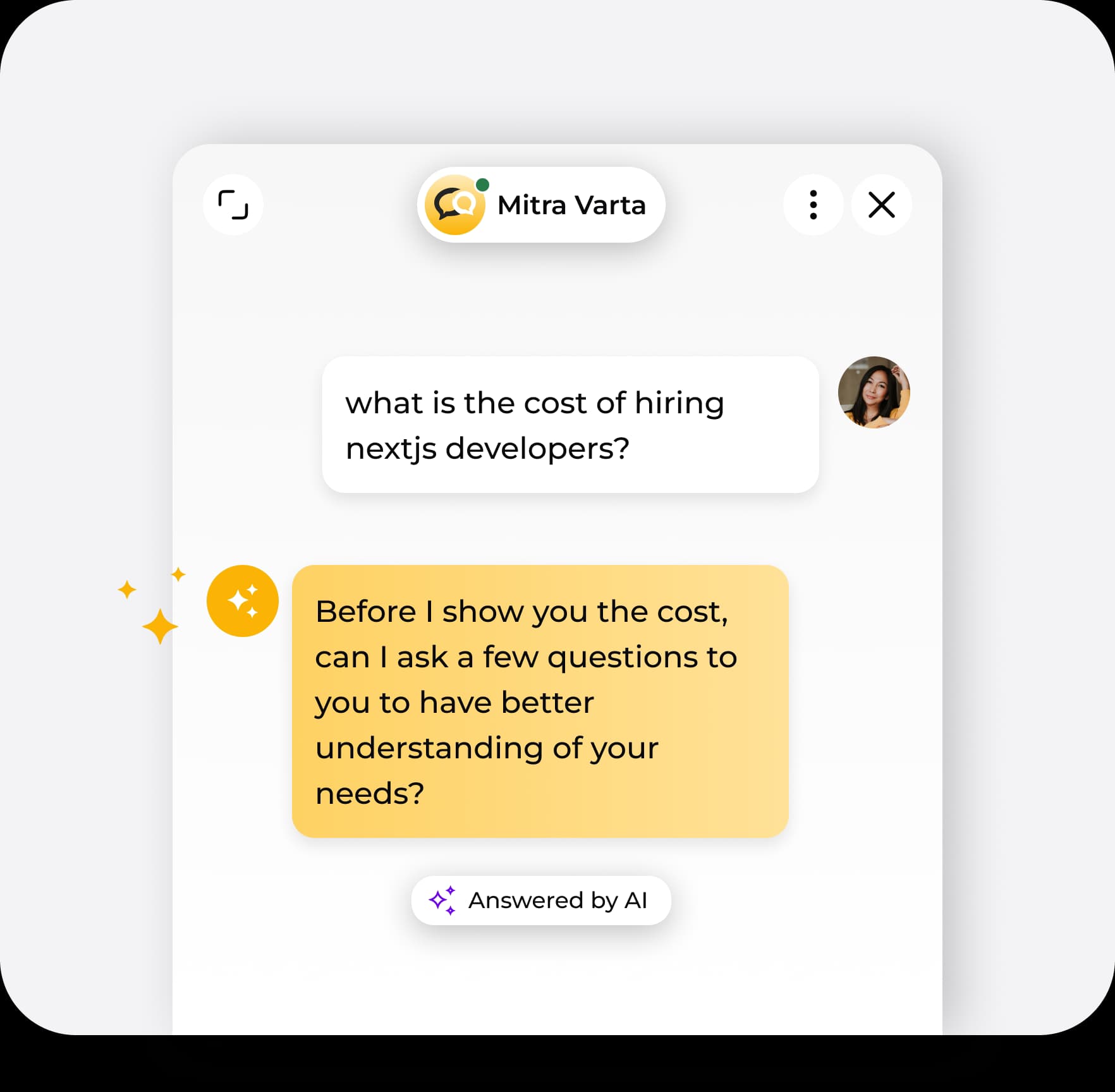
It will not take hours, complete just three simple steps and you are onboard.
Create a property and connect your site in just seconds
Add FAQs, a knowledge base, or custom flows
Start engaging visitors and capturing leads right away
Once you are onboard, focus your core objectives while Chatbot handles your visitor.
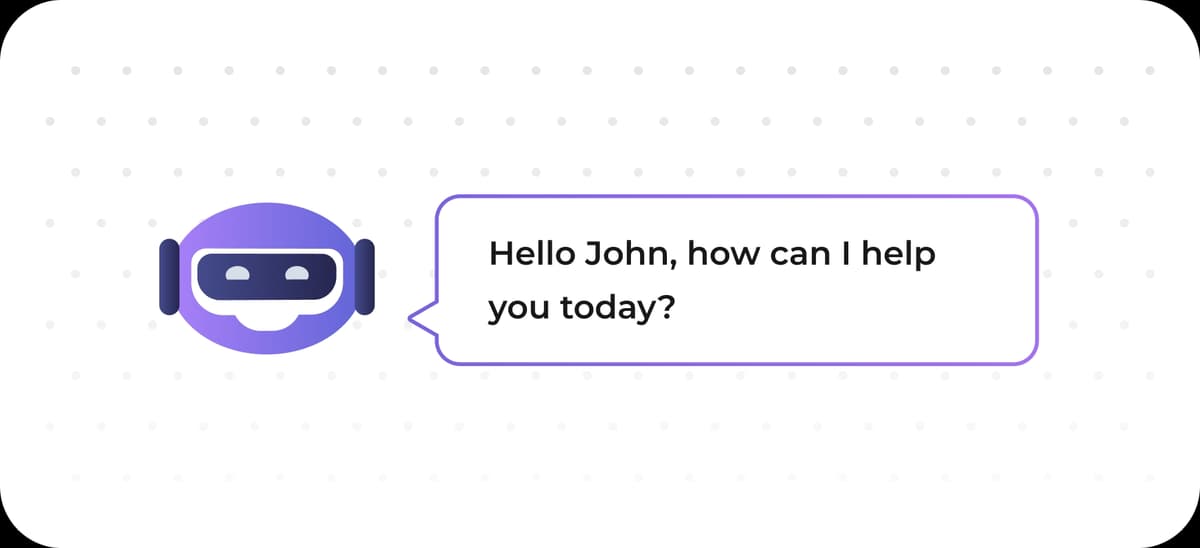
Smart responses that grasp user intent and provide accurate answers
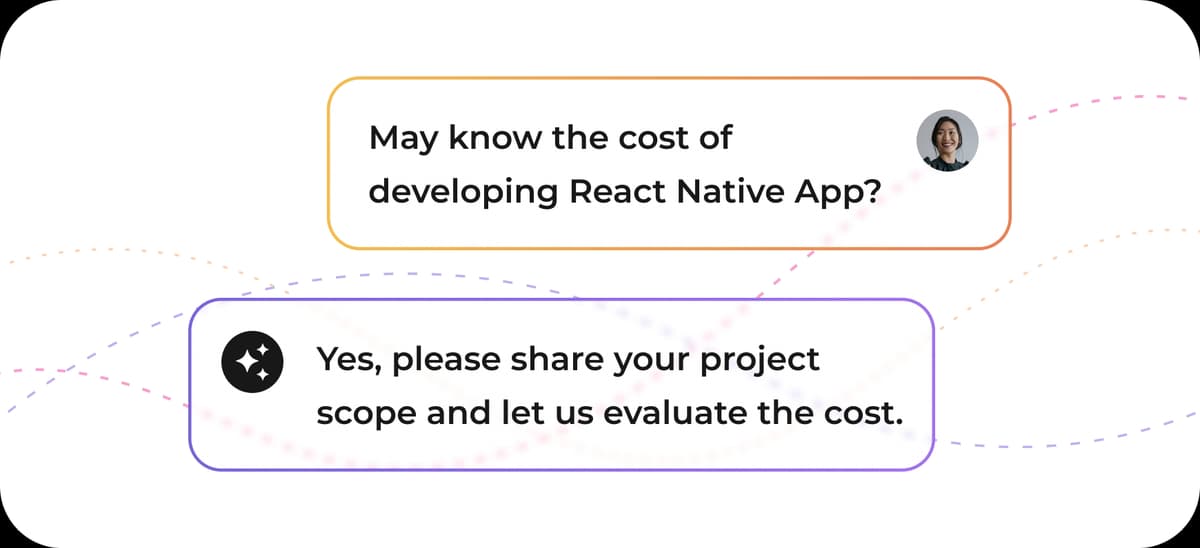
Engage visitors the moment they arrive on your site
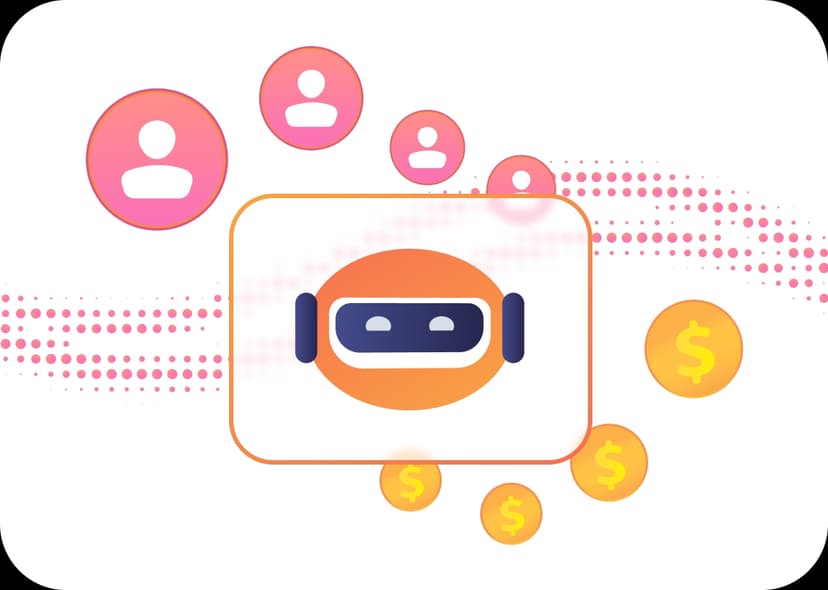
Automatically gather user details and turn visitors into leads
Monitor chats, performance, and conversion metrics
Simple script integration and no technical hassle
Design automated conversation journeys for better engagement
Perfect fit for startup website to streamline support and grow without the need for big teams
Agencies can easily manage multiple client websites for no extra costs
eCommerce website can Increase conversions and assist customers in real-time
Enhance onboarding and boost user engagement for SaaS businesses
AI Responses
24/7 Automation
Lead Capture
Easy Setup
Smart Analytics
| Feature | Mitra Varta | Traditional Chat | Basic Live Chat |
|---|---|---|---|
| AI Responses | |||
| 24/7 Automation | |||
| Lead Capture | |||
| Easy Setup | |||
| Smart Analytics |
We receive appreciation for our product from our clients. Their words motivate us to keep innovating and inventing more.
“It saves us time, makes our actual activities easier, allows us to improve the quality of service, provides direct user feedback, and helps us improve at every opportunity.”

Support Manager
“Intersting product, easy to integrate and use. Visitor insight is good”

Restaurant Owner
“It’s working well. But, it’s not something that I like this chatbot for. Lead capturing is excellent and I am fond of this”

Founder
“It saves our team a lot of manual activity and really improves the quality of conversations. The user feedback has been very positive every opening day.”

Digital Marketing Manager
“It saves us time, makes our actual activities easier, allows us to improve the quality of service, provides direct user feedback, and helps us improve at every opportunity.”
Support Manager
“Intersting product, easy to integrate and use. Visitor insight is good”
Restaurant Owner
“It’s working well. But, it’s not something that I like this chatbot for. Lead capturing is excellent and I am fond of this”
Founder
“It saves our team a lot of manual activity and really improves the quality of conversations. The user feedback has been very positive every opening day.”
Digital Marketing Manager
We have developed a versatile chatbot that can work with any website and app. Get onboard and access everywhere.



Start for free and upgrade as you expand. You get an AI feature when you upgrade to pro.
Begin with essential features
Unlock advanced tools and scale up
Join the businesses leveraging Mitra Varta to engage visitors, capture leads, and accelerate growth.